
InputMapper
Controller remapping for Windows
The controller you already own, speaking the game's language.
InputMapper reads DualSense, DualShock 4, Xbox, Switch Pro and the 2026 Steam Controller. Remap every button, cancel stick drift, aim with the gyroscope, and hand games a virtual Xbox 360 or DualShock 4 when that is the only language they speak.
Handing the virtual pad to games needs ViGEmBus, a free driver.
Steam Controller (2026)
USB · 48%
Xbox 360
XInput · ViGEmBus
The game sees a standard pad. You keep using yours, with your bindings.
Five families.
One app.
Button names inside the app follow whichever pad you plugged in, so you never have to translate between Cross and A in your head.
Steam Controller (2026)
Two trackpads, four rear paddles and the Quick Access button — inputs no Xbox pad has, and that you can bind here. It is the controller that pushed much of this app into existence.
DualSense · DualSense Edge
Touchpad, gyroscope, LED bar, built-in microphone and mute button. The app uses PlayStation button names while it is connected.
DualShock 4
Clickable touchpad, gyroscope and LED bar. It can be both the physical input and the virtual output a game sees.
Xbox One · Series
Read through XInput, the same path Windows games use. Rumble both ways, and battery when the pad reports it.
Nintendo Switch Pro
Full gyroscope and Nintendo's A/B/X/Y layout, which the app reorders on its own when it hands over the virtual pad.
What it fixes
about a worn controller.
Remap every button
Point any physical button at any virtual one, or leave it unbound. Changes apply the moment you save the profile.
Cancel stick drift
Measures where worn sticks actually rest and cancels that offset, instead of hiding it behind an oversized dead zone.
Aim with the gyroscope
Send the gyroscope to a stick or straight to the mouse pointer, with drift correction that re-measures whenever the pad sits still.
Rumble, both directions
Vibration a game sends to the virtual pad reaches the real controller, and a built-in test fires the motors with no game running.
Touch surfaces that do something
The PlayStation touchpad and Steam trackpads can move the mouse or control playback, with a dedicated play/pause gesture.
Rules that follow your games
A per-application rule switches the virtual output by itself when that game takes focus, and puts it back when you leave.
A stick that rests off-centre
does not need a huge dead zone.
The usual answer to drift is to grow the dead zone until the problem is buried, losing travel in all four directions. Calibration measures the stick's real centre and corrects it, and each half of an axis is scaled on its own: a re-centred stick keeps its full travel in both directions.
- Measures the real rest point, not the theoretical one
- Optionally raises the dead zone by exactly enough to cover the measured jitter
- Dead zone, anti-dead zone and sensitivity as editable numbers as well as sliders
- A live dot in the stick header, with the dead zone drawn to scale
Buttons Windows
had no name for.
An Xbox pad has no rear paddles, no trackpads and no Quick Access button. Those inputs are not lost here — they get bound to something Windows does understand.
| Physical input | Controller | Can become |
|---|---|---|
| Rear paddles (L4 · R4 · L5 · R5) | Steam Controller | Any virtual button, keyboard shortcut, media key, or nothing |
| Trackpad click (left · right) | Steam Controller | Mouse button, virtual button, or play/pause |
| Quick Access | Steam Controller | A keyboard shortcut — Windows gives it no meaning of its own |
| Touchpad press | DualSense · DualShock 4 | Virtual button, play/pause, or a keyboard shortcut |
| Mute button | DualSense | Mutes the pad's microphone in hardware, or whatever you decide |
| Gyroscope | PlayStation · Switch Pro · Steam | Right stick or mouse pointer, with per-axis sensitivity |
Inside the app.
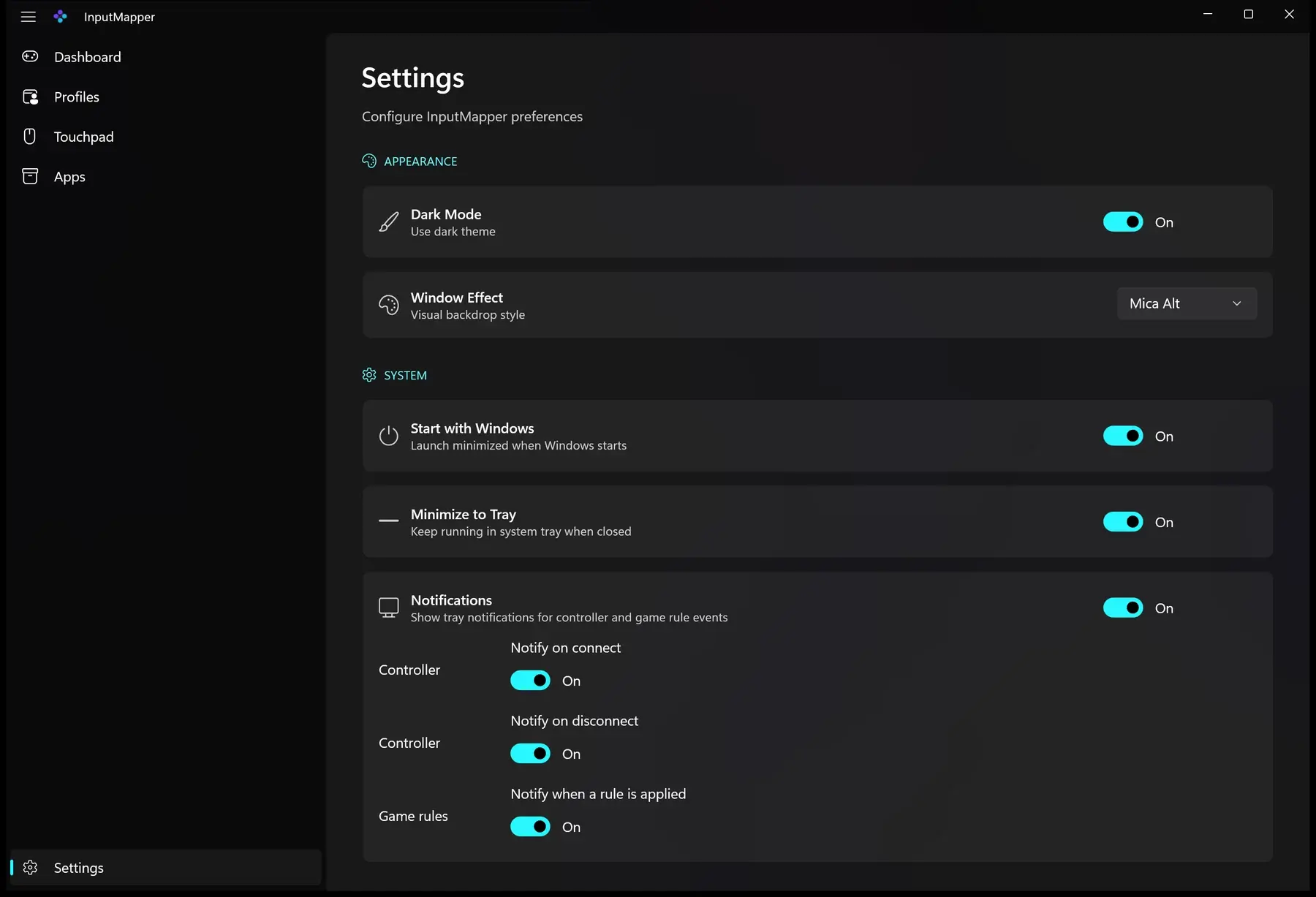
Five pages, each with one clear job. Real screenshots from the published build.
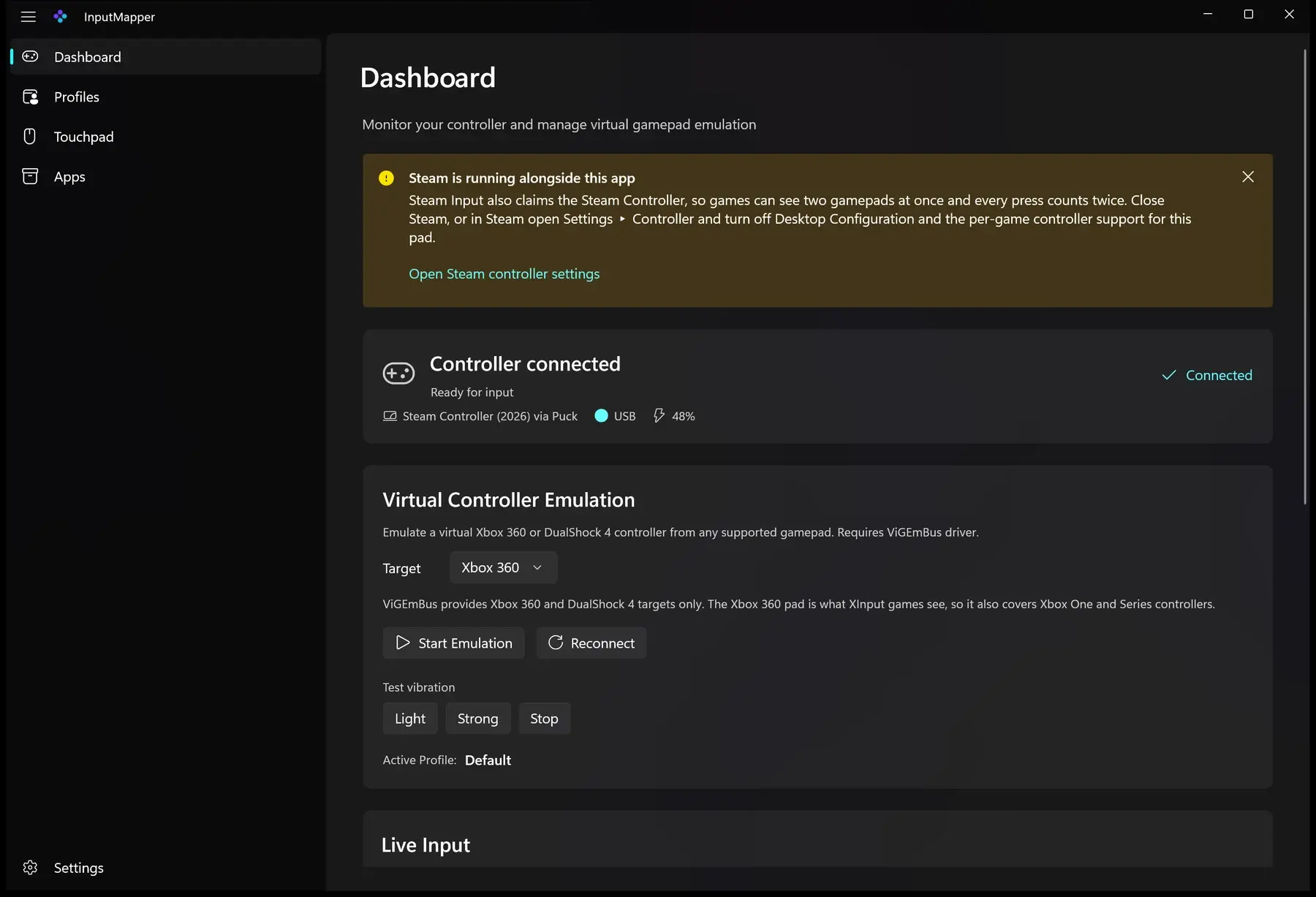
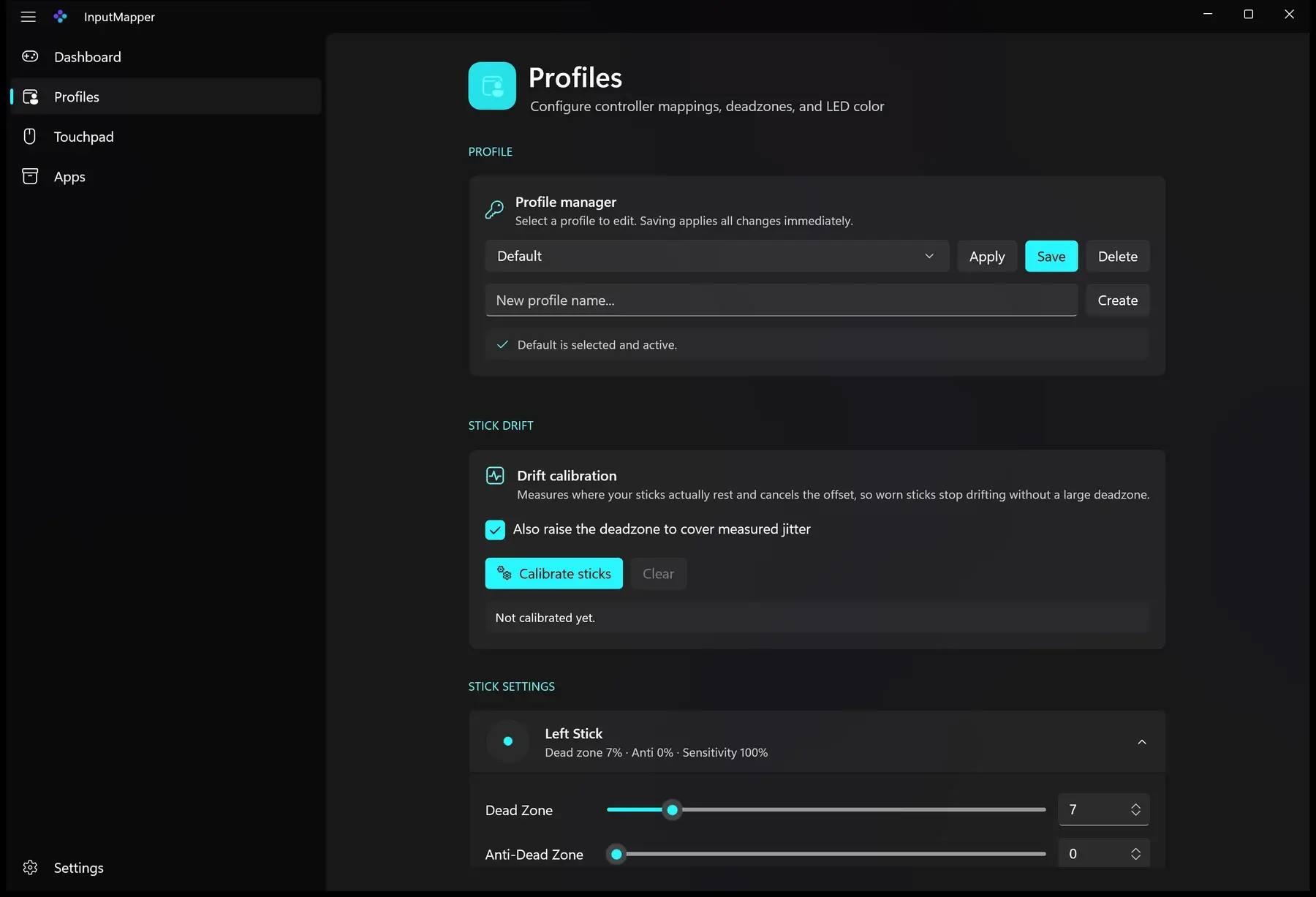
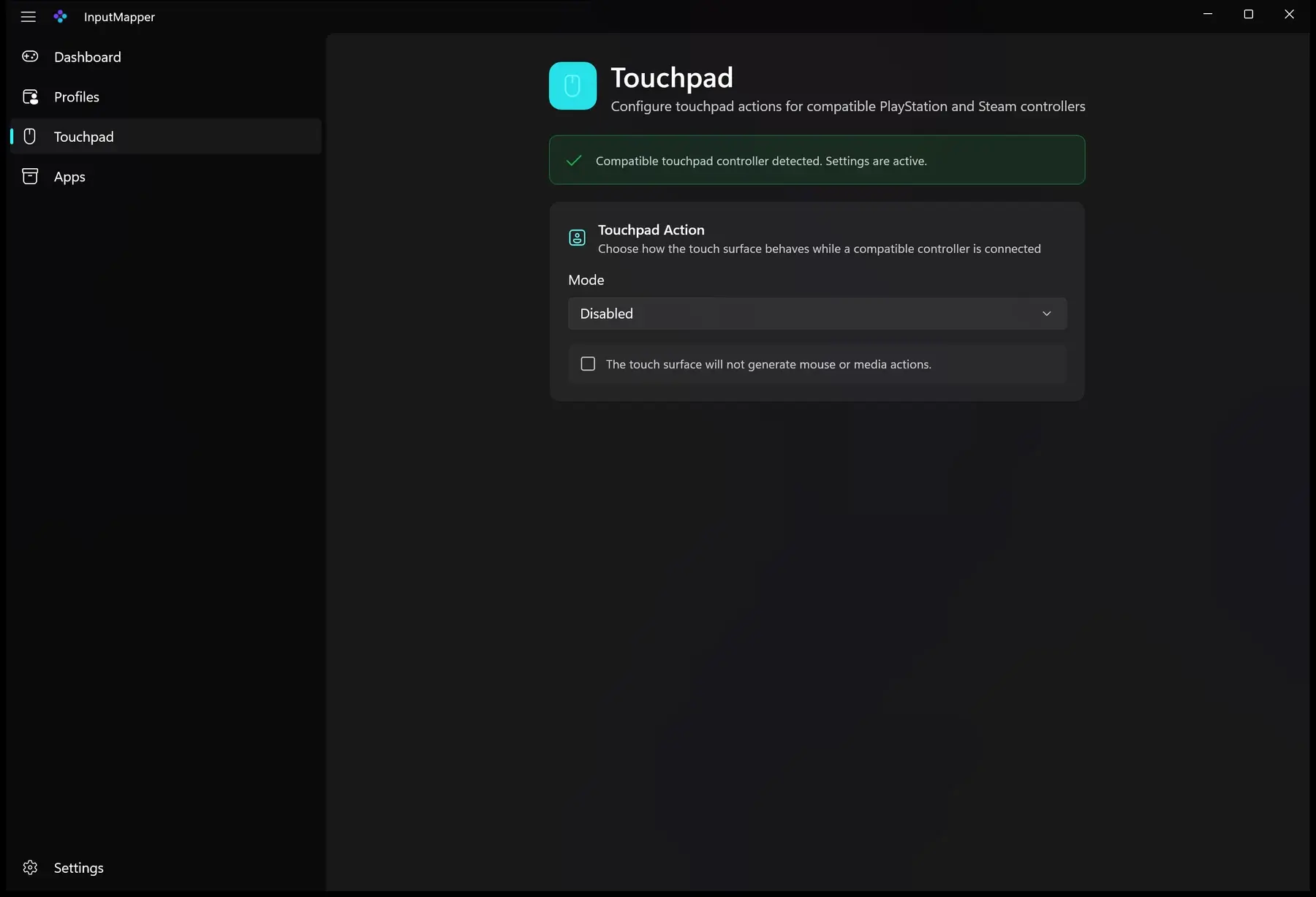
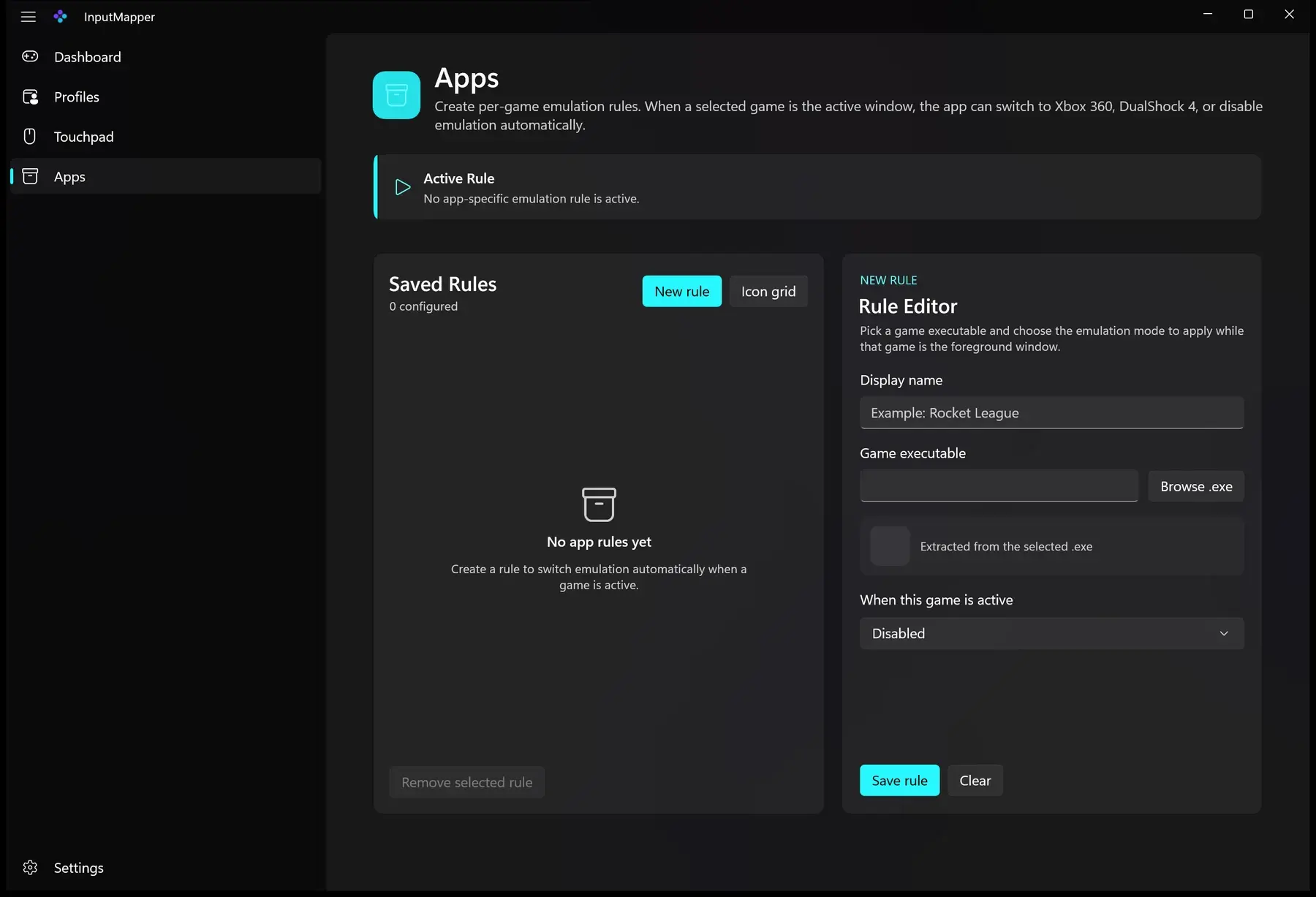
From the drawer to the game.
- 01
Connect a controller
InputMapper finds it through Sony, Nintendo or Steam HID, through GameInput, or through XInput. Live Input shows every button, stick and trigger as you press them, so you can confirm what the app reads before changing anything.
- 02
Tune a profile
Calibrate drift, set dead zones and sensitivity, remap buttons, dial in gyro, pick an LED colour, and decide what the mute button does. Saving applies the changes immediately.
- 03
Install ViGEmBus and emulate
The virtual Xbox 360 or DualShock 4 pad goes through ViGEmBus. Install it once — it is free and open source — then switch it on from the dashboard, or let a per-game rule do it for you.
Requirements
 Windows
Install ViGEmBus first
The virtual pad — the reason the app exists — goes through ViGEmBus, a free open-source driver. Install it before you start: without it InputMapper reads and tunes your controller, but it cannot hand that controller to a game that only speaks Xbox.
Download ViGEmBusWithout the driver this still works, but no game will see a different pad:
There is nothing to send.
The app makes no network requests. Profiles, settings and logs stay in your local user folder, as JSON you can open and delete whenever you like. No account, no telemetry, no ads.
Read the privacy policyFrequently asked questions
It is on the Store, and it is free.
Every feature on this page exists because a controller on a desk needed it: sticks that had worn out, buttons Windows had no name for, and games that only ever learned to speak Xbox.